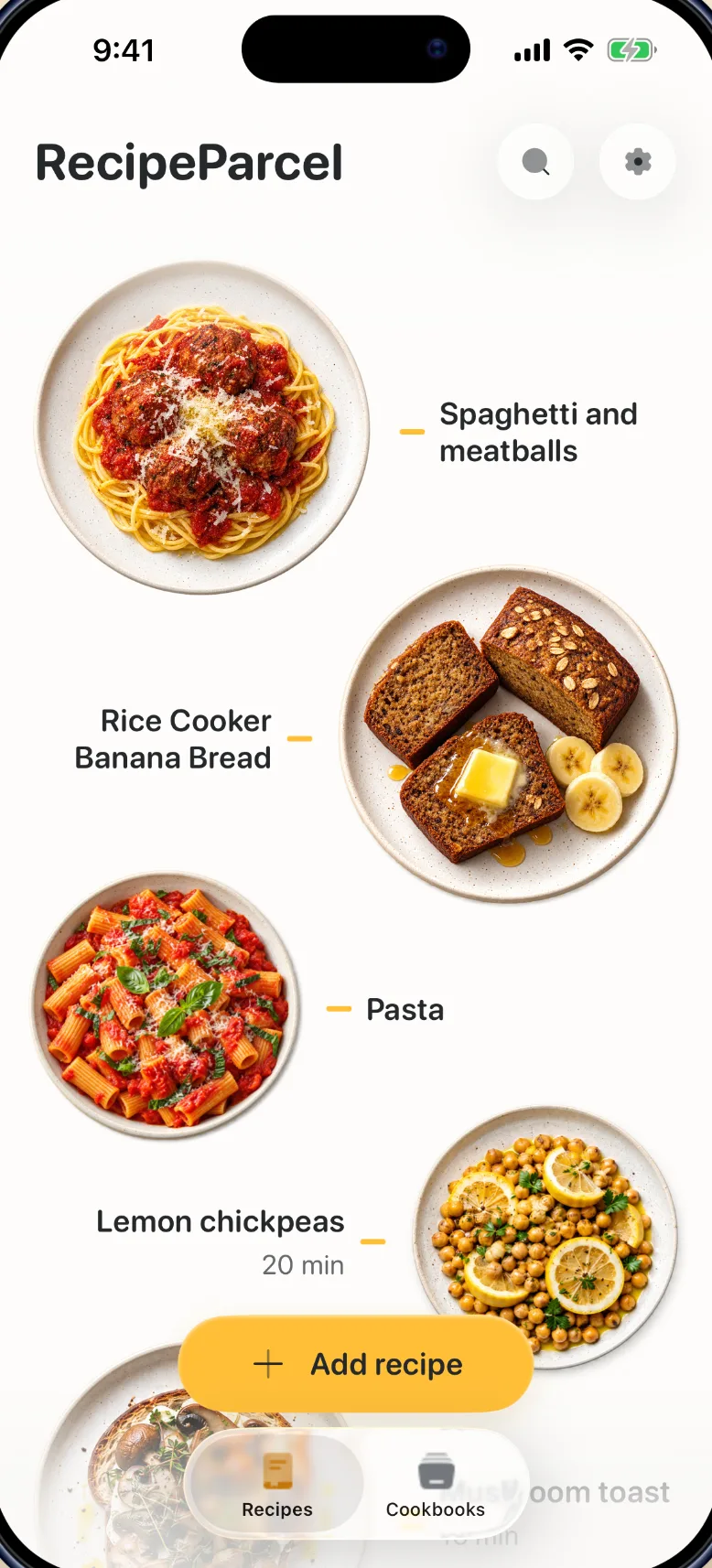
Every recipe you save, finally together
Save recipes from the videos, sites and photos you find them in. Keep them in cookbooks and cook from a calm, step-by-step view.
- TikTok
- YouTube
- Websites
- Photos
Save it from wherever you found it
Share a link from TikTok, Instagram, YouTube or a recipe site, or add photos, screenshots and pasted text. RecipeParcel keeps the ingredients and method as written, and links back to the creator.
If a video doesn’t include the recipe, it checks the steps on screen and the creator’s own written recipe.
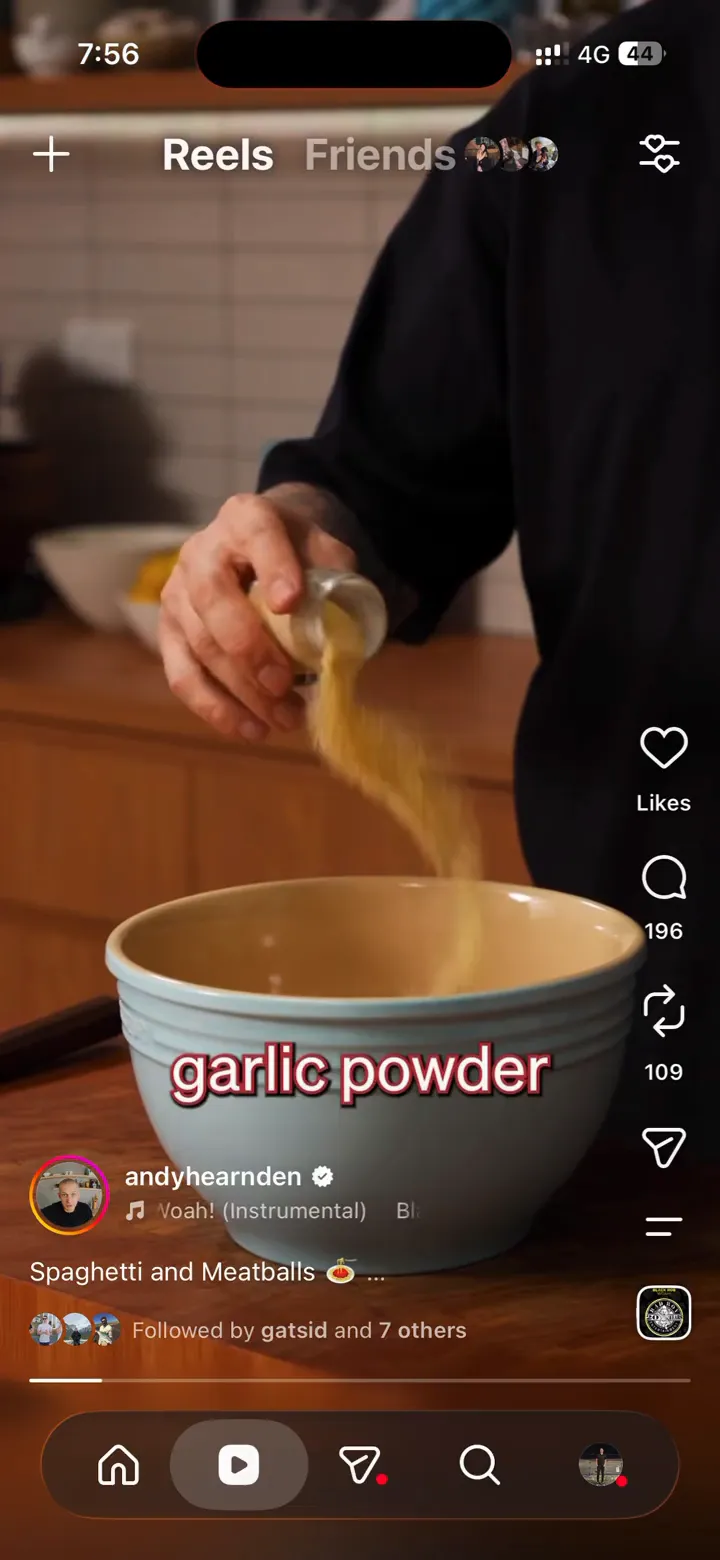

Share to RecipeParcel
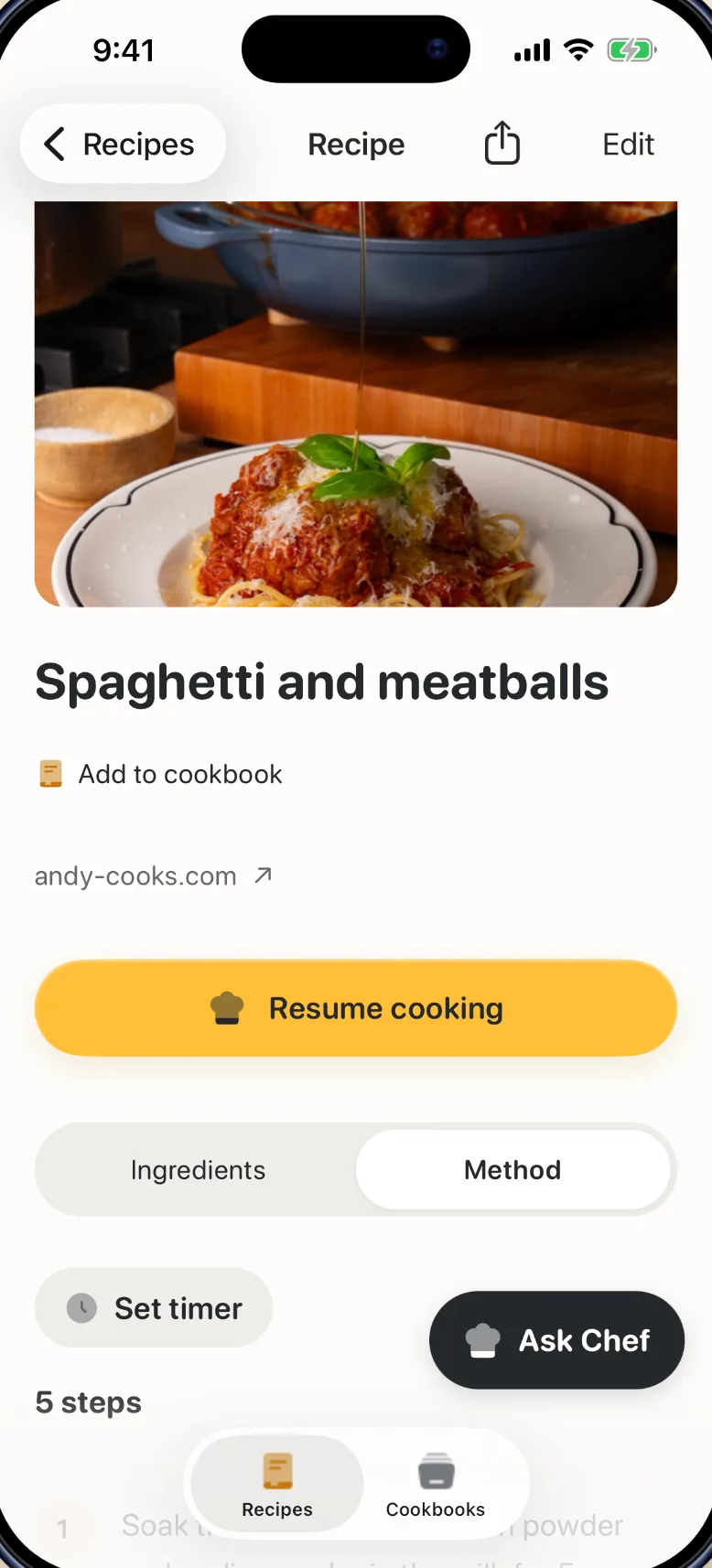
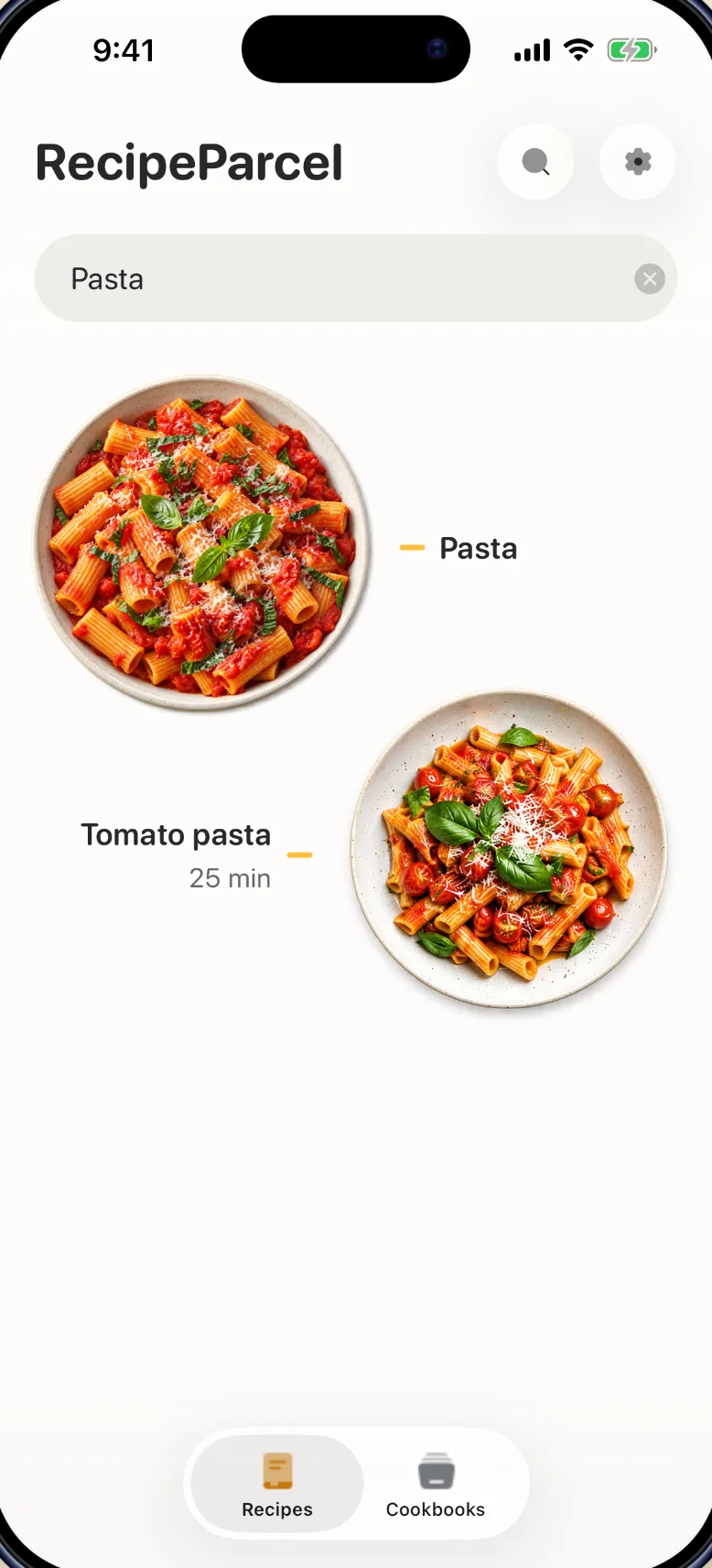
Find dinner in your own collection
Group recipes into cookbooks like weeknight dinners or baking. One recipe can live in as many cookbooks as you like, and search finds it by name.
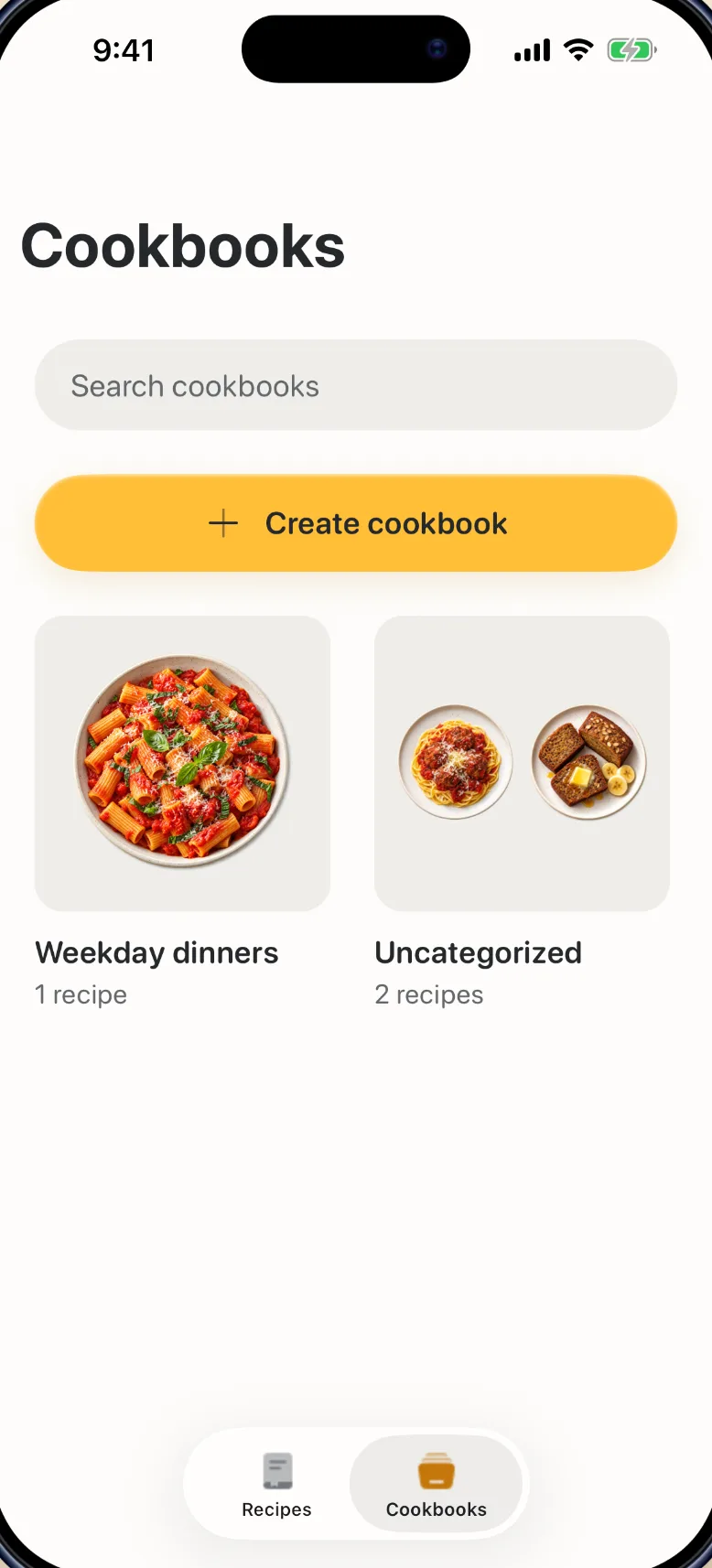
Cook with your hands full
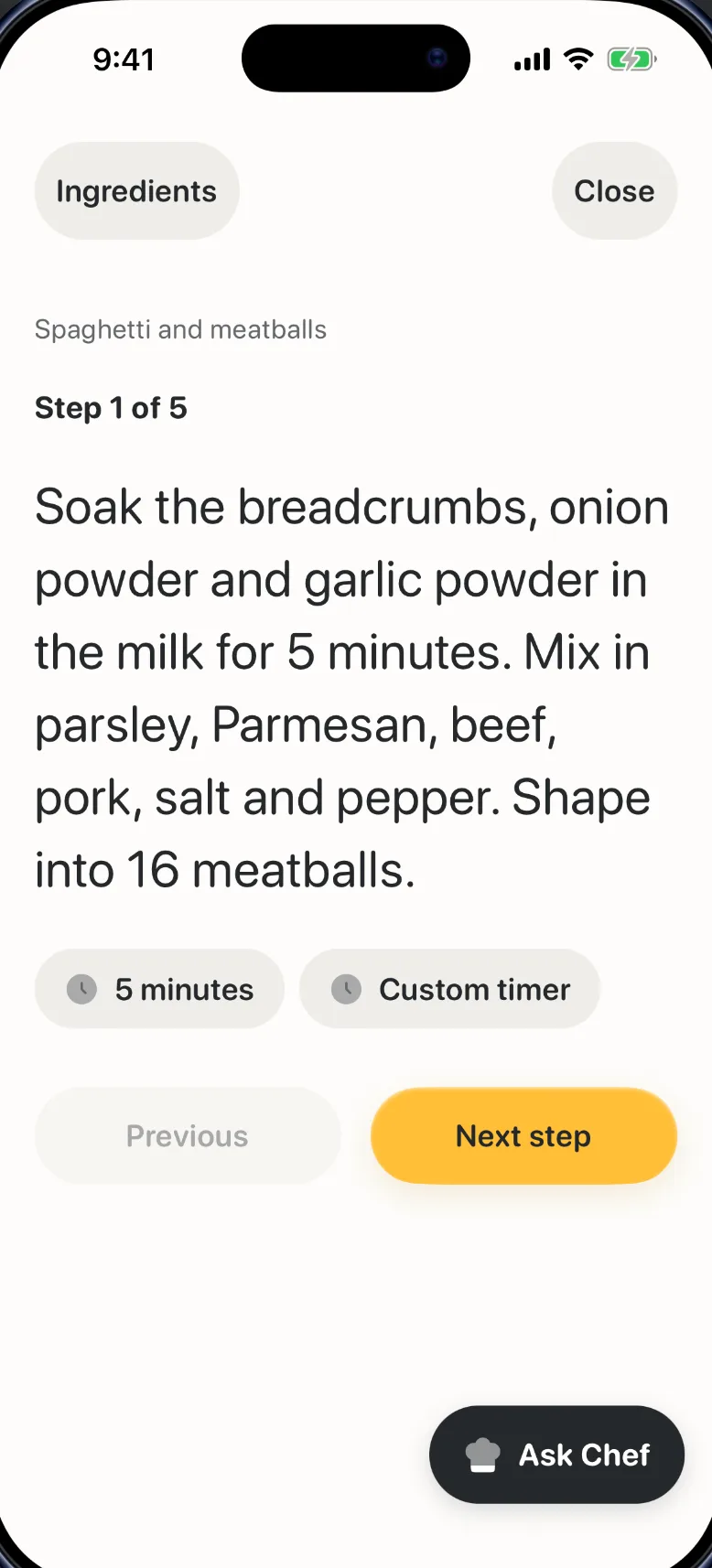
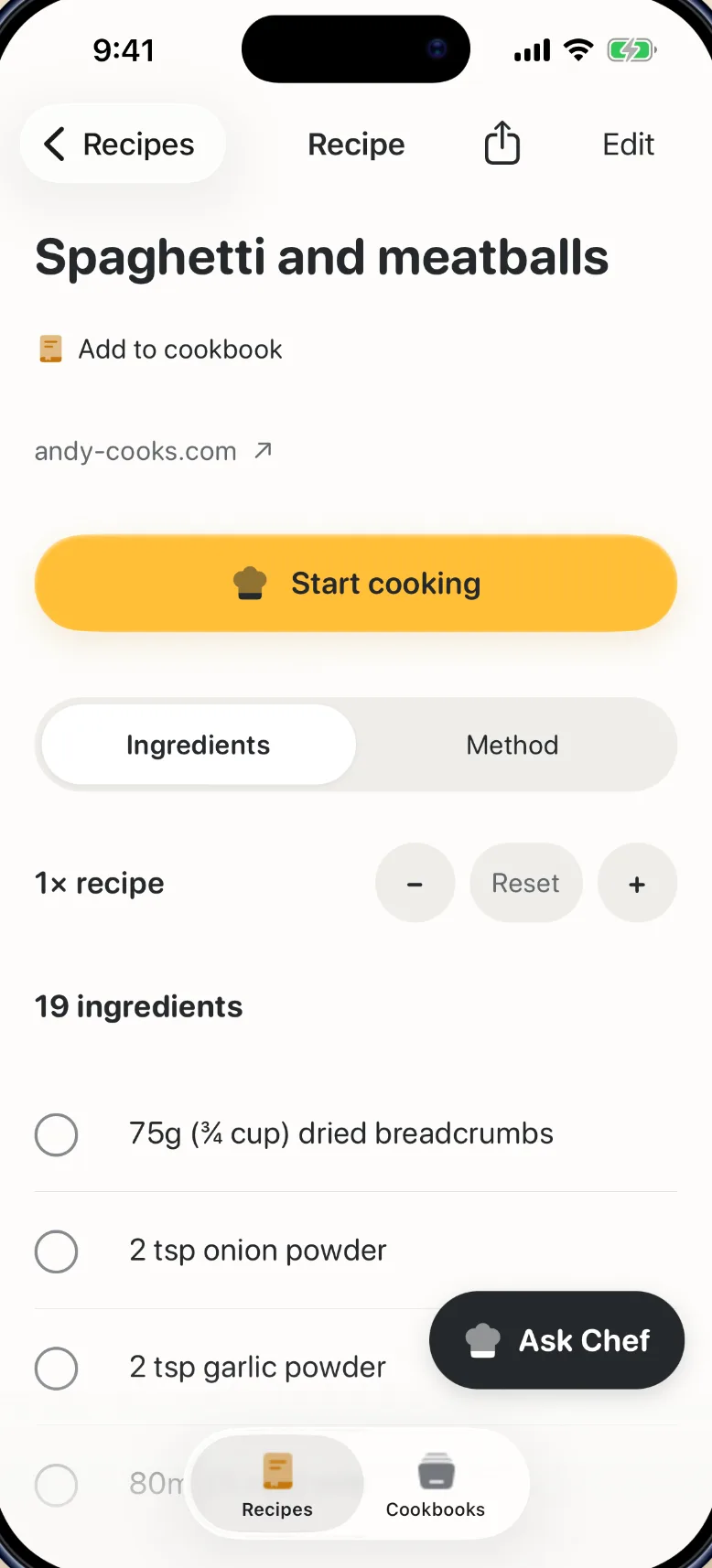
Cook Mode shows one large step at a time and keeps your screen awake. Start a timer straight from the step. Check off ingredients as you go and scale the servings without changing the saved recipe.
Ask Chef about the recipe in front of you
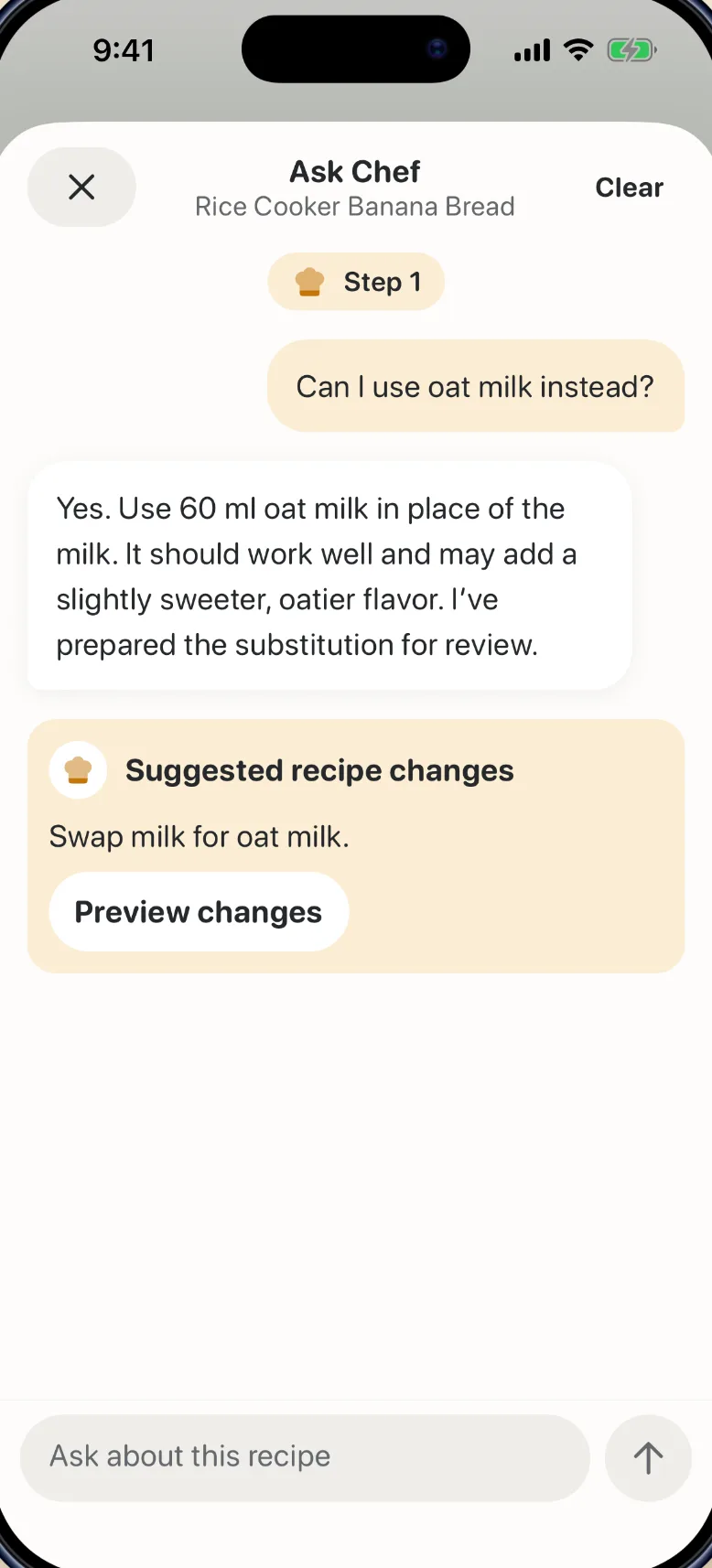
Out of buttermilk? Not sure what folding means? Ask Chef knows the recipe and the step you’re on. When it suggests a change, you see it first and decide whether to apply it.
Credit stays with the cook
Every recipe you save links back to the post or site it came from, with the creator named right under the title. One tap takes you back to the original.
Questions
Where can I save recipes from?
Share a link from TikTok, Instagram, YouTube or a recipe website, or add photos, screenshots and pasted text. You can also write a recipe yourself.
What if a video doesn’t have the recipe written down?
RecipeParcel looks for the recipe in the caption, the steps shown in the video and the creator’s own written recipe. If it can’t find one, add a screenshot or paste the text instead.
Is RecipeParcel free?
The app is free to download and your first recipe import is free. RecipeParcel Unlimited, an annual or weekly subscription, is needed for more imports, editing and Ask Chef.
Do I need an account?
No. There’s no sign-up or password. Open the app and save your first recipe.
Can I save a recipe from a cookbook?
Yes. Take a photo of the page and RecipeParcel saves the ingredients and method. Several photos can go into one recipe.
Is RecipeParcel on Android?
No. RecipeParcel is available for iPhone and iPad on the App Store.